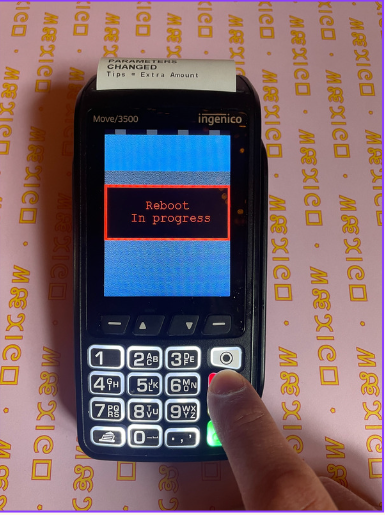
This is a guide on how to reboot the card terminal when it stops asking for Tips
Make sure you have the code for the machine before starting on this guide — ask the manager/ass. manager
1. Press the menu button
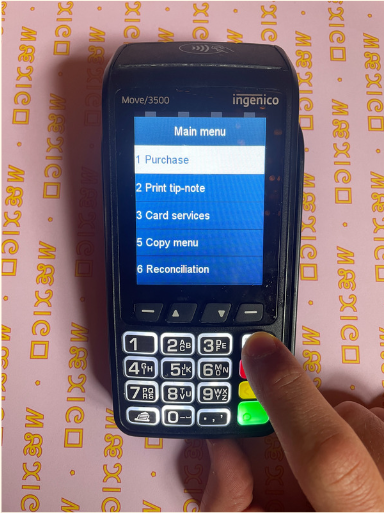
2. Press 8 – Merchant menu
Or use the arrows
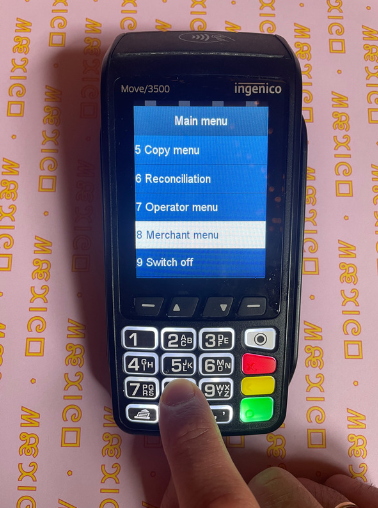
3. Press the red button
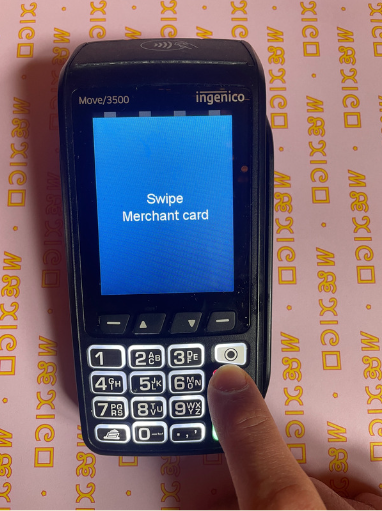
4. Enter the code for the machine
4 digits – ask the manager/ass. manager
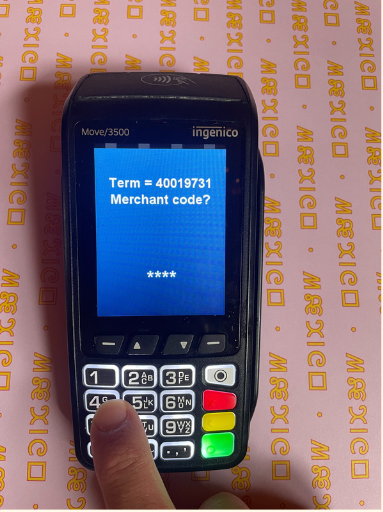
5. Press the green button
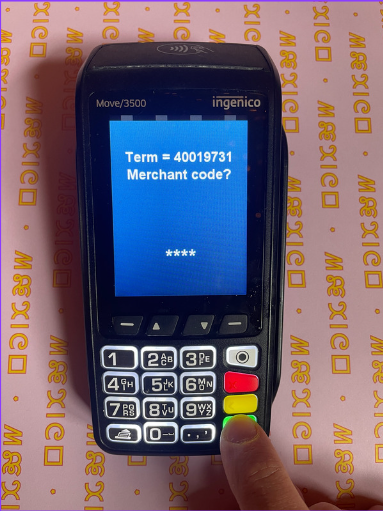
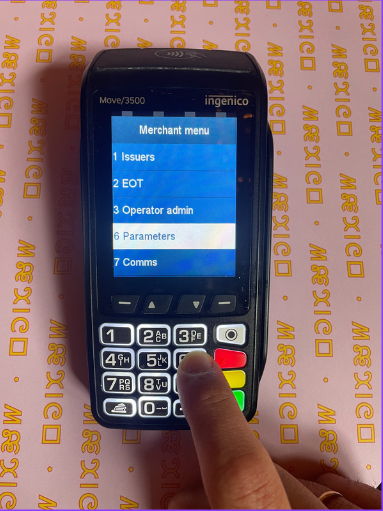
6. Press 6 – Parameters
Or use the arrows
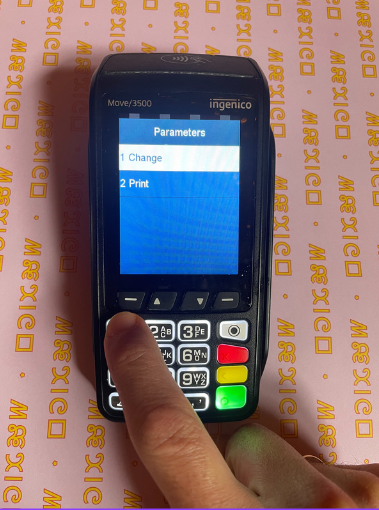
7. Press 1 – Change
8. Press 1 – Function
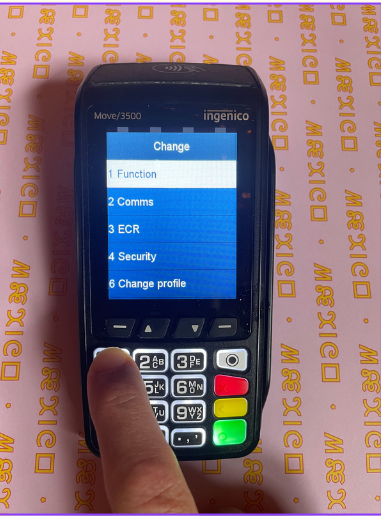
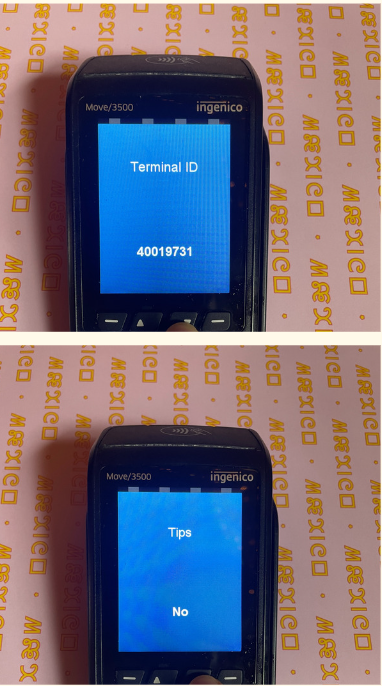
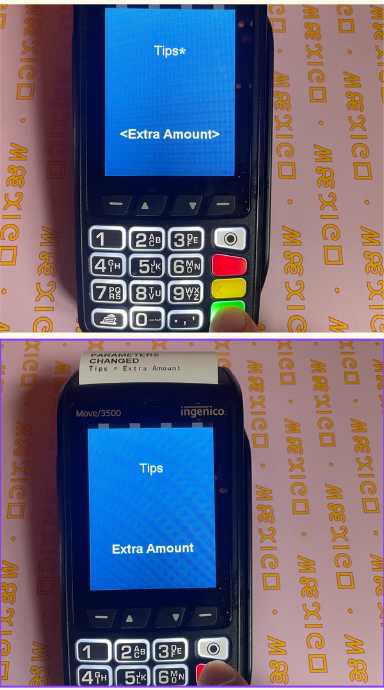
9. Press the down arrow until you reach ‘Tips’
It should say ‘no’ like in the picture
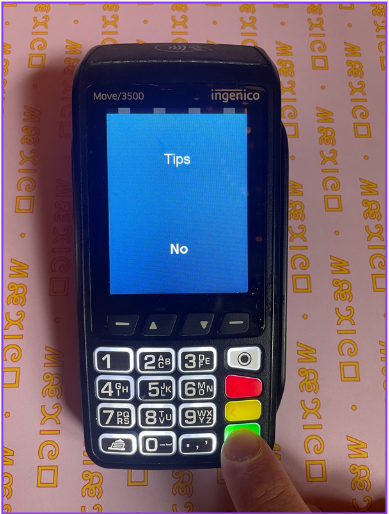
10. Press the green button
11. Press the down arrow until you each ‘Extra amount’
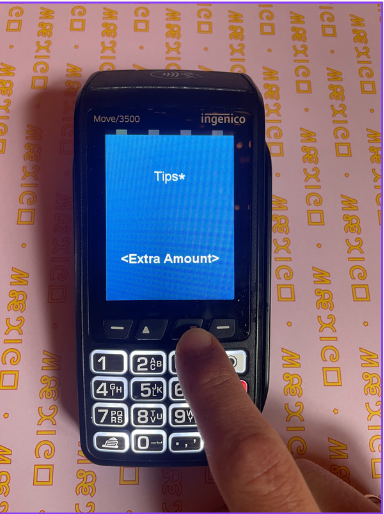
12. Press the green button. After the machine is done printing – Press the red button
13. Press the red button again
The machine will restart itself – takes about 1 minute. The terminal will now again ask for tips.